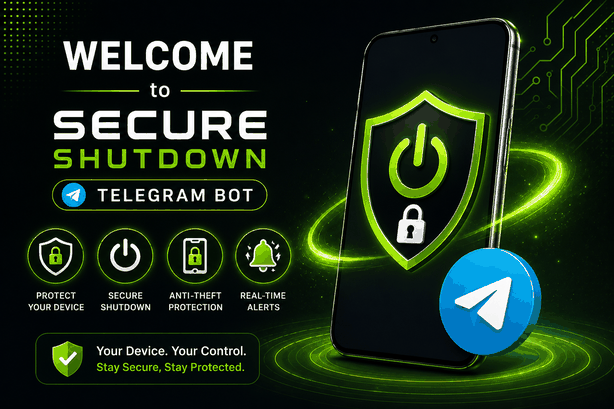
Next-Gen Anti-Theft Protection

Protect Your Phone From
Unauthorized Shutdown

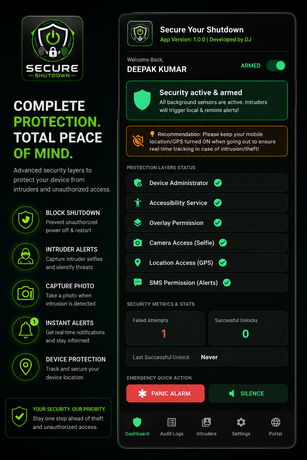
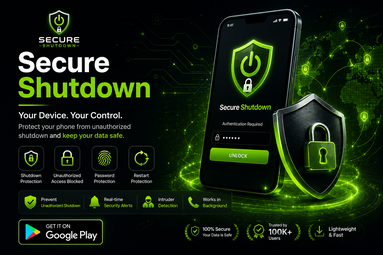
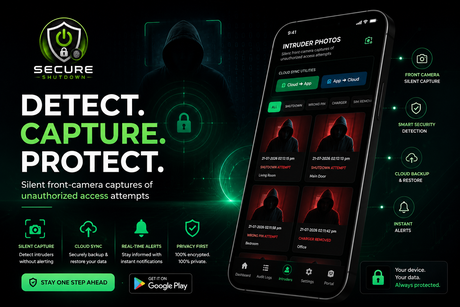
Prevent smartphone thieves from powering off your device or toggling flight mode. Secure Shutdown locks your power menu and captures instant front-camera intruder photos with real-time Telegram alerts.
0+
Downloads
0.8 ★
Rating
0/7
Protection
100% On-Device Protection
Zero Battery Drain
Real-Time Telegram Alerts
Android 8.0 - 14+ Compatible
Core Capabilities

Security Features

Powerful capabilities designed to keep your phone trackable and secured against thieves.

Power Menu Lock

Blocks unauthorized shutdown and restart commands by overlaying a mandatory security lock screen.

Intruder Snapshots

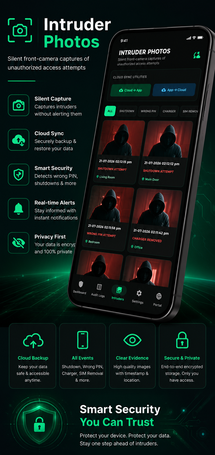
Silently captures front-camera photos whenever incorrect credentials are entered during a shutdown attempt.

Telegram Alerts

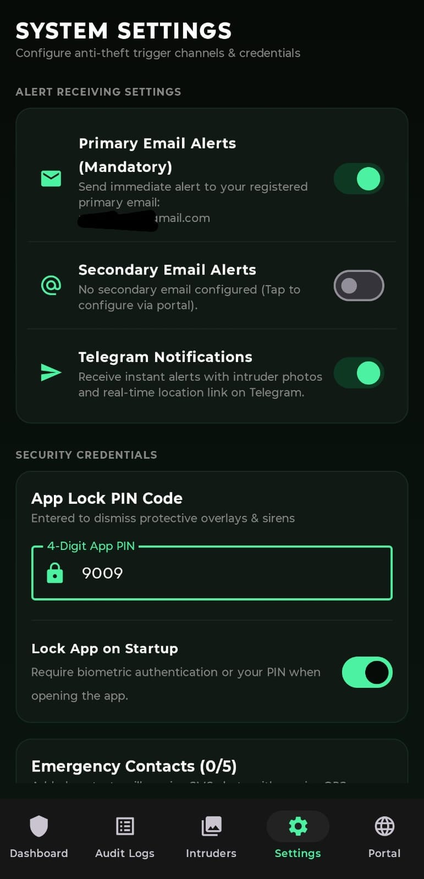
Sends instant notification photos and location logs directly to your linked Telegram account in real-time.

Biometric Recognition

Integrated support for fast fingerprint scanner and face unlock authentication on supported devices.

Live Activity Audit

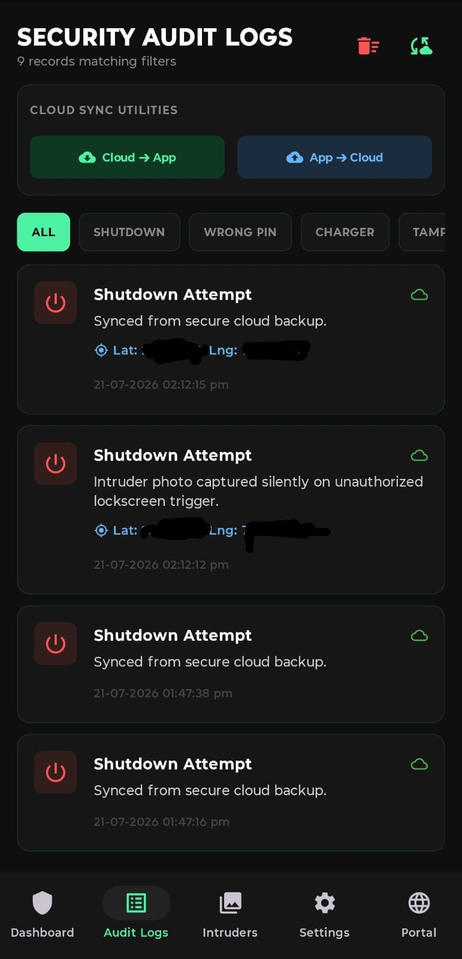
Keep track of all access attempts, system events, and logins inside your secure web user portal.

Optimized Daemon

Runs as a lightweight background service with minimal RAM footprint and negligible battery usage.

Try It Live

See How It Protects

Click the power button on the phone to experience the shutdown protection in real-time. Try PIN: 2580

  • Instant Shutdown Shield
  • Fast 2-Minute Setup
  • Biometric Fingerprint
  • Privacy First Architecture
  • Instant Telegram Bot
  • Clean Modern UI Design
  • Secondary Email Backup
  • Regular Software Updates
12:30

Secure Shutdown

Monitoring Active

Click button above or side hardware key

Authentication Required
Enter PIN to execute shutdown. (Demo: 2580)
Quick Setup

How It Works

Protect your Android smartphone in four quick steps.

01

Install App

Download from Play Store and install Secure Shutdown on your device

02

Grant Permissions

Enable Accessibility service and overlay permissions

03

Setup Security PIN

Configure your personal authentication PIN or pattern

04

Stay Protected

The monitoring daemon shields your device 24/7

Watch Demo

See It In Action

Watch how Secure Shutdown protects your device from unauthorized access.

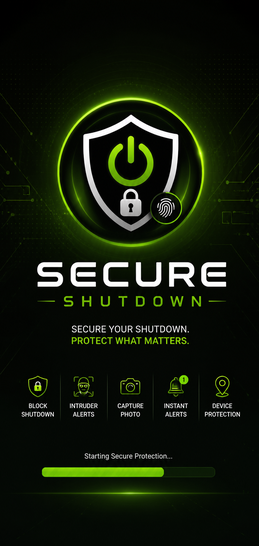
App Screens

Application Preview

Clean, modern, and intuitive Android user interface.
Got Questions?

Frequently Asked Questions

Answers to common queries about Secure Shutdown.

How does Secure Shutdown prevent unauthorized power off?
Secure Shutdown detects when the device power menu is opened and immediately displays an authentication overlay requiring your configured PIN, pattern, or biometric fingerprint before allowing power off or restart.
How are intruder photo logs captured?
If someone enters an incorrect PIN attempt on the shutdown lock screen, the app silently captures a front-camera snapshot and securely uploads it to your web portal and Telegram bot with GPS coordinates.
Does it support fingerprint unlock?
Yes! Secure Shutdown integrates with official Android BiometricPrompt APIs so you can quickly authenticate using your fingerprint scanner or face unlock on supported devices.
Does it drain phone battery?
No. The background monitor is optimized to hibernate until system broadcast events occur, resulting in negligible battery consumption. Our users report zero noticeable battery impact.
What Android versions are supported?
Secure Shutdown is compatible with Android 8.0 (Oreo) and above, including Android 14+. The app is tested across Samsung, OnePlus, Xiaomi, Realme, Oppo, Vivo and other major manufacturers.
Is my data safe and private?
Absolutely. All intruder photos and location data are stored in private secure storage accessible only to your authenticated account. We never share your data with third parties. You can delete all data anytime from your settings.

Shield Your Android Device Today

Stay one step ahead of phone thieves. Download Secure Shutdown and link your account now — it's free!

Version 1.0.4 | Package: com.secure.shutdown.dj
Our Team

Meet the Developers

The engineering team behind Secure Shutdown.

Deepak - CTO & Security Researcher

Deepak

CTO @ JSI Software Solutions and Cyber Security Researcher
Jyoti - Web Pentester

Jyoti

Web Pentester, Bug Hunter and SDE @ JSI Software Solutions